It cannot fix unclear writing
A synthetic voice may read a confusing or poorly structured script smoothly without making the underlying message clearer.
Workaround
Edit for meaning first, then generate and review the spoken version.
Voice technology
What is playht ai voice? It refers to software that uses artificial intelligence to create spoken audio from written input, helping people produce narration without recording every line themselves.

Playht is best understood as an AI voice platform: a digital system that interprets text, predicts natural speech patterns, and produces an audio performance. The result can support narration, accessibility, learning content, and other spoken-media tasks.
The basic Playht workflow has three stages. Each stage matters because good output depends on more than simply pasting words into a text box.
Write or paste the words you want spoken. Clear sentences, useful punctuation, and deliberate paragraph breaks give the system better cues for pacing and emphasis.
Select an available synthetic voice or define the intended tone for the project. The right choice depends on the audience, subject, language, and role the narration must perform.
Listen for pronunciation, pauses, emphasis, and overall fit. Revise awkward wording or split long passages before using the narration in a finished project.
Playht can make voice production more accessible, but it is not a replacement for editorial judgment, consent, or a final human quality check.
A synthetic voice may read a confusing or poorly structured script smoothly without making the underlying message clearer.
Workaround
Edit for meaning first, then generate and review the spoken version.
Names, acronyms, specialist terms, and unusual spellings may need attention, especially in technical or multilingual scripts.
Workaround
Use phonetic spelling, punctuation, or a revised phrase and listen again.
A recognizable person's voice should not be copied or presented as authentic without appropriate consent and a legitimate use case.
Workaround
Use an approved voice, document consent, and label synthetic content when context requires it.
Generated delivery can miss subtle irony, emotional history, character continuity, or the precise timing of a live actor.
Workaround
Use AI voice for suitable passages and reserve sensitive performances for a professional recording.
The useful distinction is not that one approach is always better. Playht-style synthesis and human recording serve different production conditions.
Starting material
AI voice
Written script and voice direction
Recorded voice
Script plus a performed recording
Revision speed
AI voice
Words can usually be revised without scheduling a new session
Recorded voice
Changes may require another recording session
Emotional nuance
AI voice
Consistent, guided synthetic delivery
Recorded voice
Human interpretation can carry subtle context
Pronunciation control
AI voice
May require spelling or wording adjustments
Recorded voice
A speaker can respond directly to coaching
Production consistency
AI voice
Useful for repeatable tone across similar passages
Recorded voice
Depends on the performer, room, and recording setup
Best fit
AI voice
Draft narration, explainers, accessibility, and scalable content
Recorded voice
Distinctive performances, interviews, and high-stakes emotion
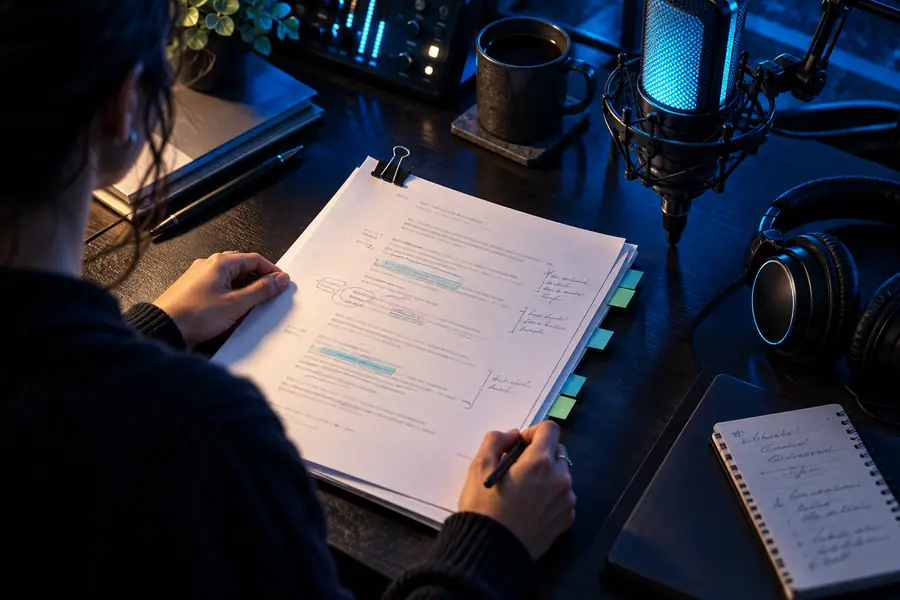 Written script
 Spoken output
Different teams approach Playht for different reasons, but the common need is a practical way to add speech to content without rebuilding the entire production process.
A lesson writer has modules, quizzes, and explanations that need spoken versions for learners who prefer audio.
AI narration can provide a consistent first pass for lessons and support more flexible access.
Playht text-to-speechA small team needs narration for product explainers, social clips, or campaign drafts before a final edit is approved.
A generated voice helps the team test timing and messaging earlier in the creative process.
Playht voice generatorA digital product needs spoken prompts, onboarding lines, or accessible text without making every update a recording project.
A voice workflow can make repeated copy changes easier to evaluate and maintain.
Playht onlineA publisher is exploring narrated summaries, articles, or supplementary listening material from existing text.
AI voice can help prototype a catalog while leaving editorial review in control of the final release.
Playht voice clonePlayht gives teams a way to evaluate AI voice as part of a real content workflow. Bring a clear script, listen critically, and refine the result before sharing it with an audience.
Try AI voice toolsThese answers cover the basic questions people ask when first evaluating Playht and AI-generated speech.
Playht AI voice is used to turn written scripts into spoken audio for applications such as narration, lessons, explainers, accessibility, and content prototypes. The best use depends on the script, audience, and level of human performance required.
Text-to-speech is the general technology that converts written text into spoken audio. Playht describes a platform and workflow built around that capability, including voice selection, script preparation, generation, and review.
AI voice can produce natural-sounding speech, but naturalness is not the same as an exact human performance. Results vary with the voice, script, pronunciation, pacing, and the emotional detail expected from the recording.
Check pronunciation, pauses, emphasis, wording, and whether the tone suits the audience. You should also confirm that any voice likeness is used with proper permission and that synthetic audio is identified when the context calls for transparency.